

Air Maestro PWA
Managing operations and safety culture when you have no internet connection.

Air Maestro App
Access and submit critical data on the fly

Designed with an intuitive interface and accessible on a range of different platforms, the Air Maestro App (PWA) revolutionizes the entry of critical safety and operational data. Operators can capture all types of safety and operational data offline, eliminating paper trails and the associated potential data entry errors caused by manual entry. The consolidation of data into one platform simplifies reporting and trending for any operation.
The App was initially developed to address the specific needs of aeromedical and government clients who required a seamless safety reporting system that could function without internet connectivity - especially during flights. Today, the extensive functionality of the app enables users to complete check forms, submit electronic forms, conduct audits and view scheduled tasks in a calendar format.
Air Maestro: PWA User Guide
For Android
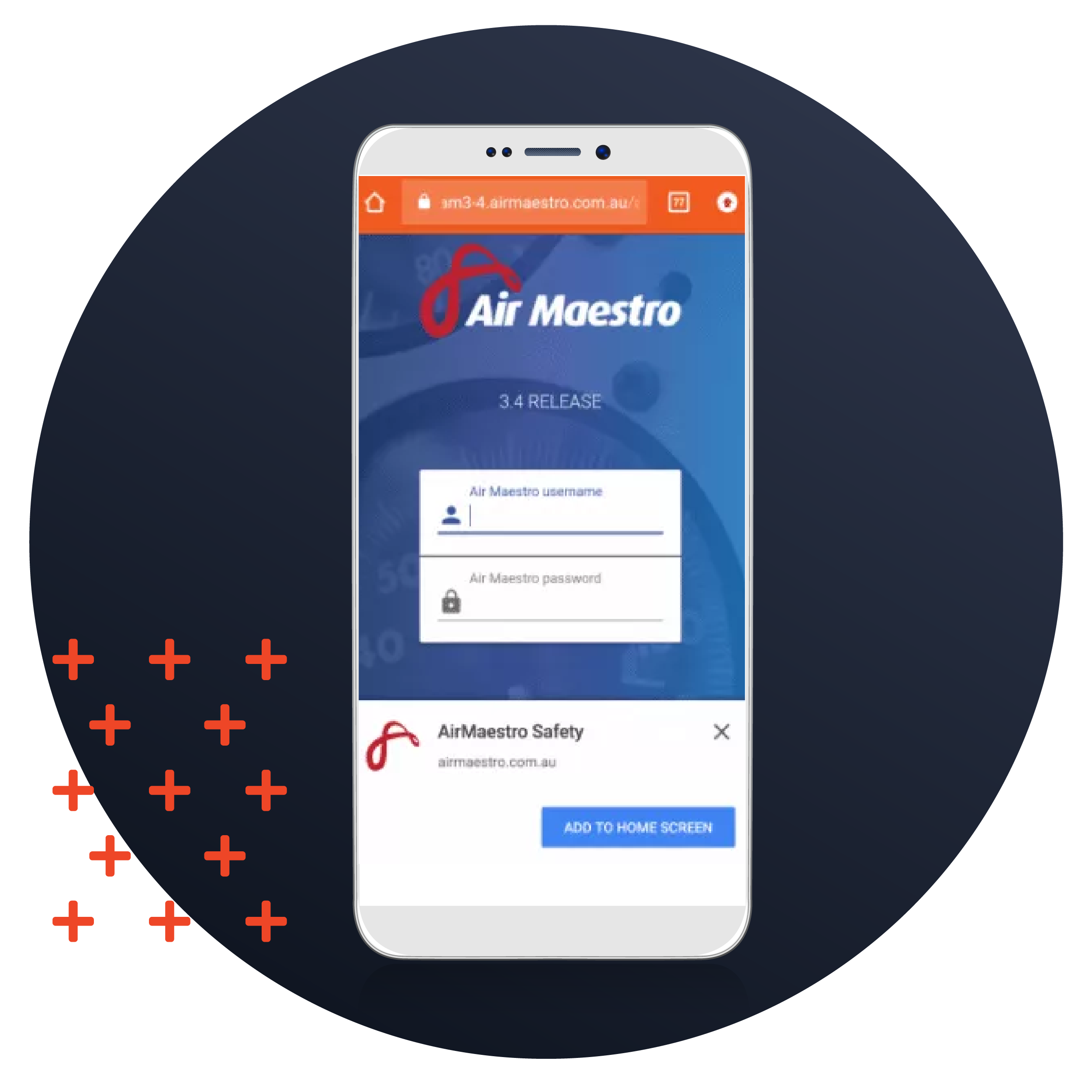
1. Open a new tab using any browser on your android device.
2. In the URL bar, type in https://sitedomain/app. The site domain should be your exact Air Maestro site address. For example https://avinet.airmaestro.com/app.
3. This URL will take you to the app login screen. Before you enter your details, you should see a banner at the bottom of the page inviting you to add the app to your home screen. Once you click the button, you will see the app on your homescreen.
For iOS
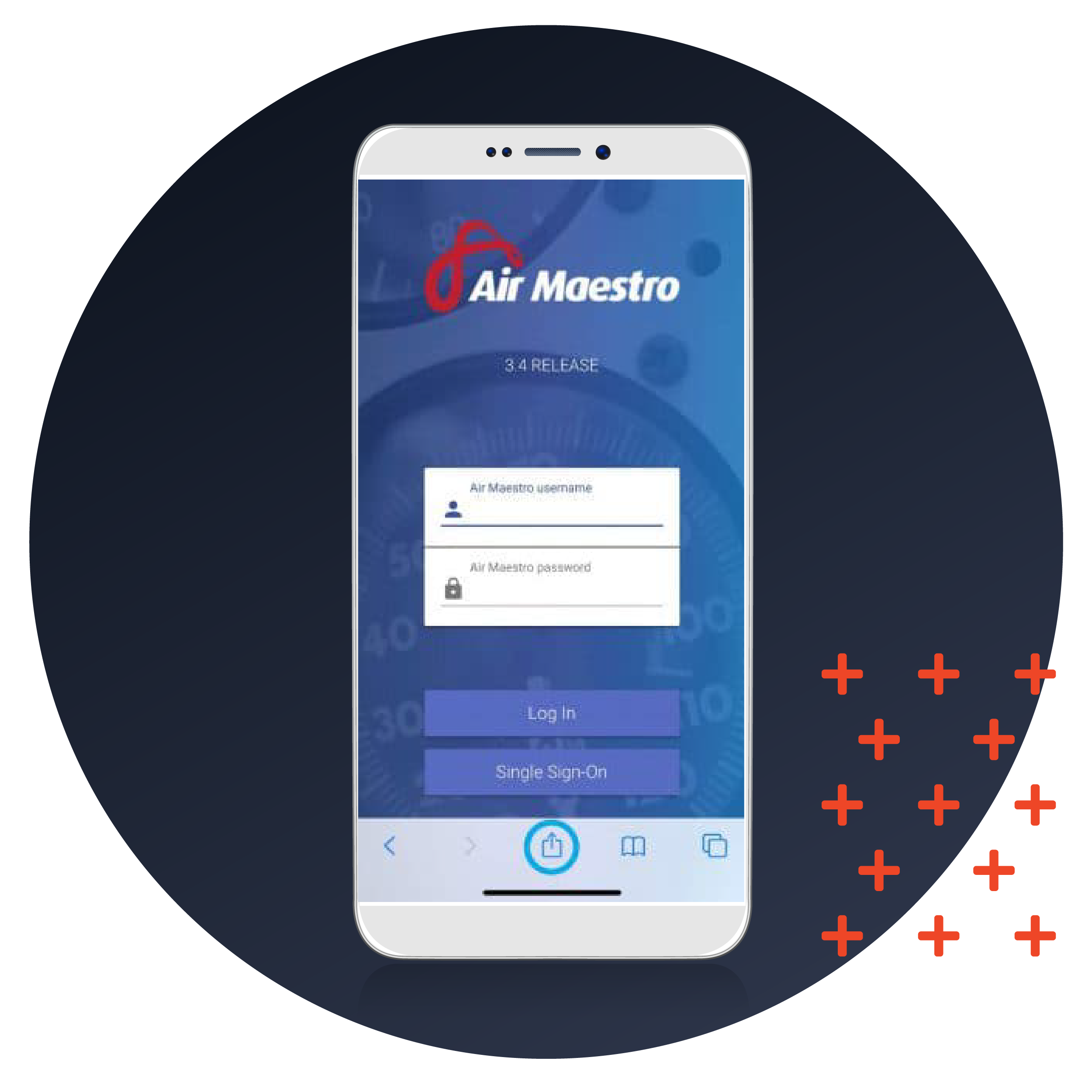
1. Open a new tab using any browser on your iOS device.
2. In the URL bar, type in https://sitedomain/app. The sitedomain should be your exact Air Maestro site address. For example https://avinet.airmaestro.com/app
3. This URL will take you to the app login screen. Before you enter your details, locate the actions bar at the bottom of the screen.
4. Click the share icon (circled).
5. Search the menu popup for the ‘Add to Home Screen’ button.
6. You will be presented with the opportunity to rename the app.
7. Click ‘Add’ at the top right of the screen. You should now be able to access the app from your home screen.
For PC/Mac
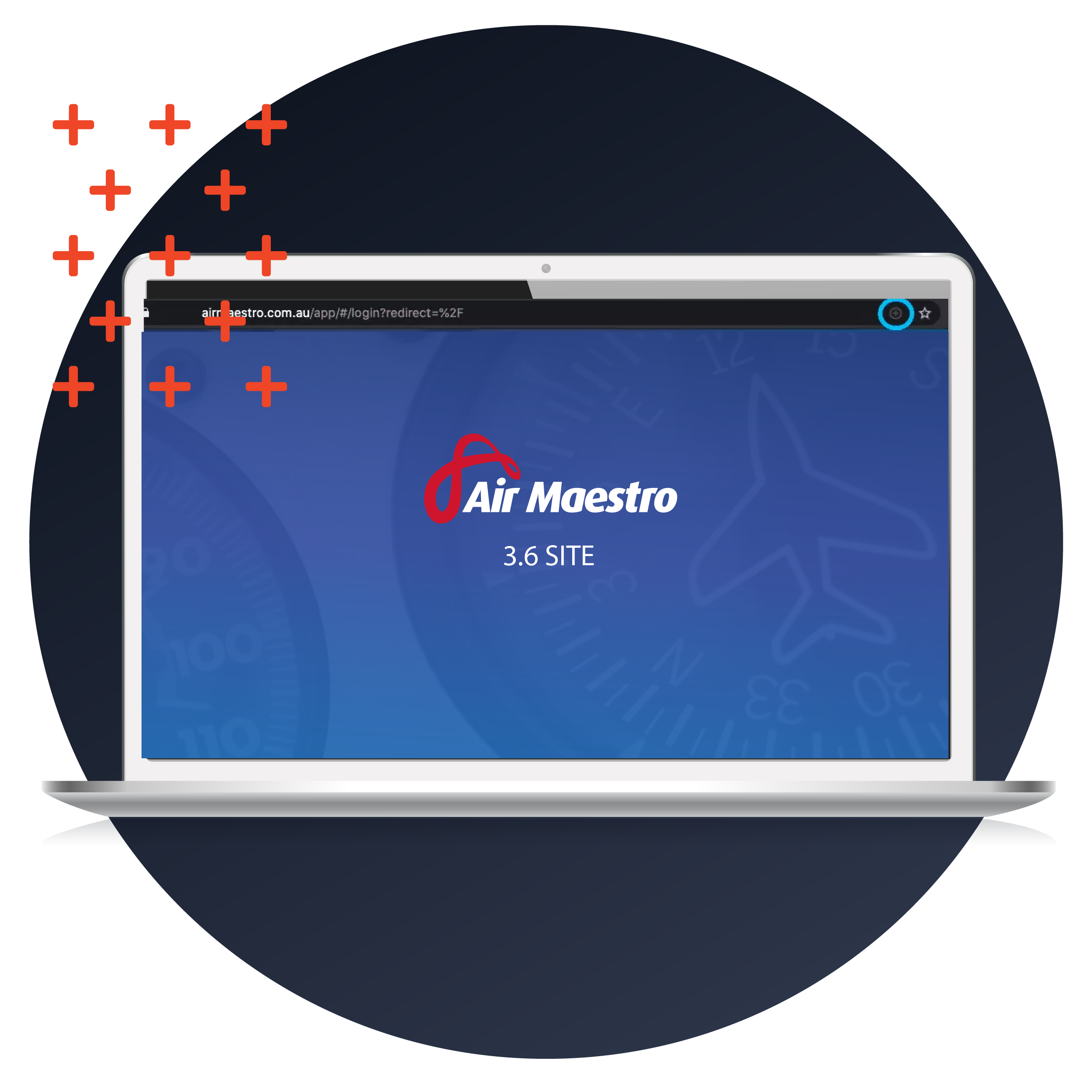
2. In the URL bar, type in https://sitedomain/app. The sitedomain should be your Air Maestro site address, for example https://avinet.airmaestro.com/app
3. This URL will take you to app login screen. Before you enter your details, locate the URL bar at the top of the screen.
4. Click the install button (circled) to the right hand side of the URL bar.
Features and Benefits
The app is available at no additional charge for existing Air Maestro customers who are subscribed to Air Maestro.

Hazard/Risk Register
Submit hazards and incidents on customizable risk-based safety report forms.
Audit Management
Conduct audits and view scheduled tasks and rostered shifts in a calendar format.
Check Forms
Authorized users can complete check forms via the app and queue them for automatic submission when internet connectivity is regained.
Forms
Create custom forms to capture information relevant to your organization and/or digitize company forms, allowing personnel to complete and submit forms from the app to their Air Maestro site.
Improves Safety Practices
Air Maestro assists to manage safety requirements and promote safety culture across any operation by enabling employees to log incidents, track risks and hazards, and manage trends.
Customizable
Air Maestro is offered with a high degree of customizability and allows for the addition of fields unique to each operation. Conditional custom fields and tabs can be enabled that are only displayed when a particular condition is triggered.
Offline Functionality
No internet? No problem. The Air Maestro app allows users to lodge incident reports without internet connectivity. Once connected and manually synchronized, the data will transfer to the server and can be accessed by other users.
Cloud-Based
Air Maestro provides instant, on-demand access to vital information via an intuitive, easy-to use interface. Sensitive and critical data is centralized and accessed securely from any modern internet browser, anywhere in the world at any time.
Modern Design and Accessibility
Install the Air Maestro app on the home screen of any tablet or mobile device to effortlessly access vital data through a modern and intuitive interface. User data is stored after every session and easily accessible using a 4-pin code.
Offline Documents
Store documents on any device. Download and view your documents mid-air.

Take your organization to the next level
Get in touch